
Create Alert
To create an alert, click on the bell icon:

Choose the date and the associated text of the alert:
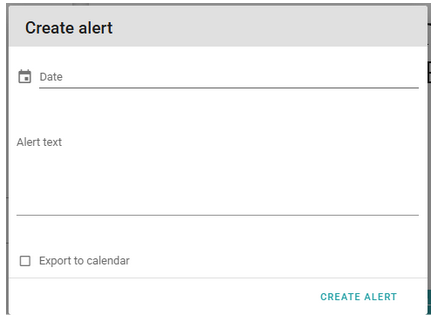
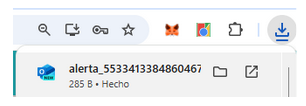
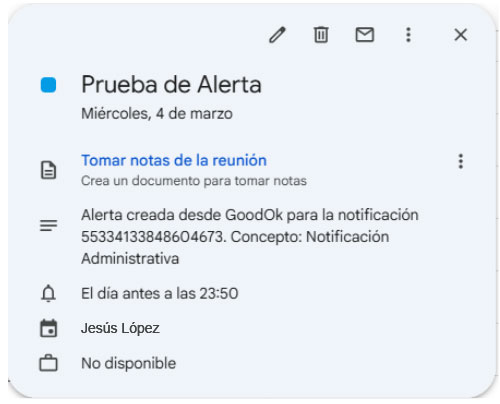
If the “Export to calendar” option is selected, when clicking CREATE ALERT, in addition to creating the alert in the notification, a file with the .ics extension is generated and downloaded. This file can be imported into the desired calendar (Outlook, Google Calendar, etc.).
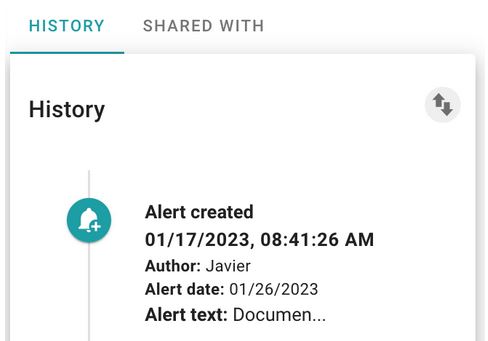
Once the alert is created, the trace is observed in the history of actions on the notification. The color of the alert changes according to the status of the notification (green for accepted, red for expired, yellow for urgent).
Newsletter susbcribe
Receive all the news and updates about GoodOK in your email.