
Add Operators Batch
To create several operators at once, a .csv file with the information regarding all the operators can be written. To upload the file you must click on the icon highlighted in the image.

The file must have the following fields.
nombre: Name of the operator
apellidos: Surname of the operator
email: Email address of the operator
alertasEmail: Receive emails alerts → SI / NO
permisosAdmin: Admin permissions → SI / NO
notificacionesActivas: Active Notifications → SI / NO
filtros: Filters (empty for ‘View All’, multiple separated by |) → autonomicAndLocal / dgt / aeat / justice / ss / otherMinistries
permisosFirmaNotificaciones: Download Notifications permissions → SI / NO
permisosTramiteNotificaciones: Process Notifications permissions → SI / NO
firmasActivas: Activate Signatures → SI / NO
empresas (Optional): CIFs assigned list (multiple separated by |)
nuevasEmpresas: Automatically add new companies → SI / NO
During the creation of the operators, the desired group can be assigned to all of them.
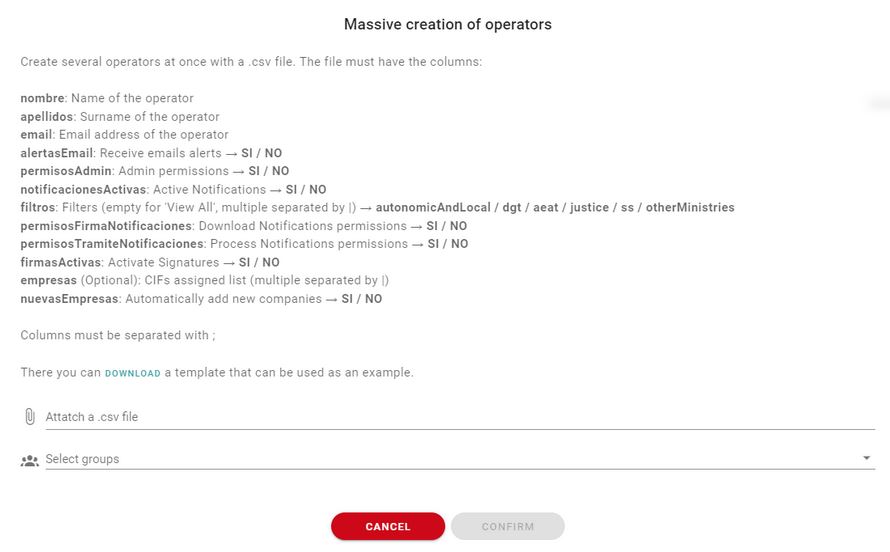
Columns must be separated with ;
Newsletter susbcribe
Receive all the news and updates about GoodOK in your email.