
Notification Responsible
A responsible party can be assigned to the notification to identify who must manage its processing. The assignment can be made to an individual operator or to a group, allowing operators within that group to decide who takes charge of it.
To do this, within the Notification details, open the dropdown menu titled “Assign responsible”.
The dropdown menu displays the operators and groups available for selection.
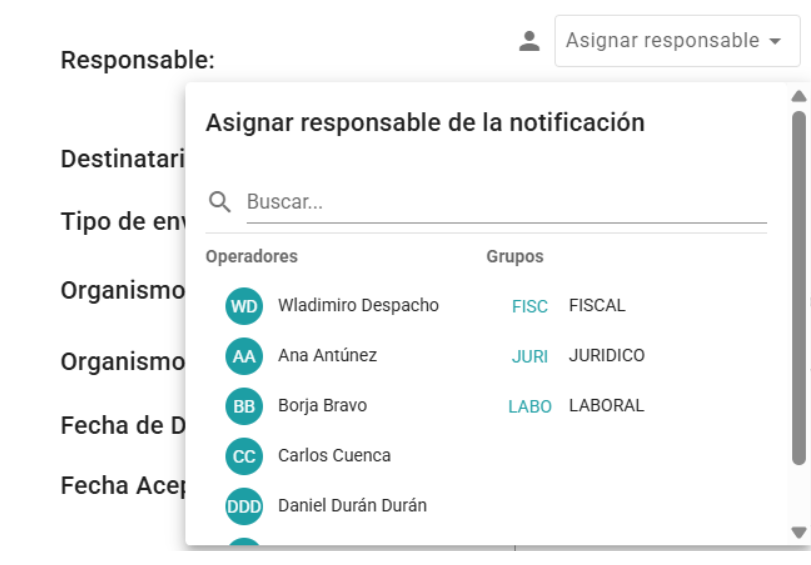
Assigning an Operator as Responsible
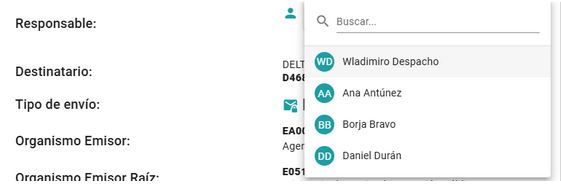
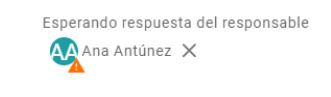
Exception: If an operator assigns themselves as the responsible party, they do not enter the “awaiting acceptance” state; instead, they are directly set as the confirmed responsible party.The assignment of the responsible party is recorded in the notification history.
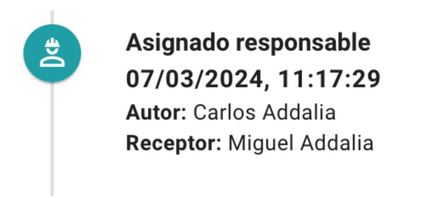
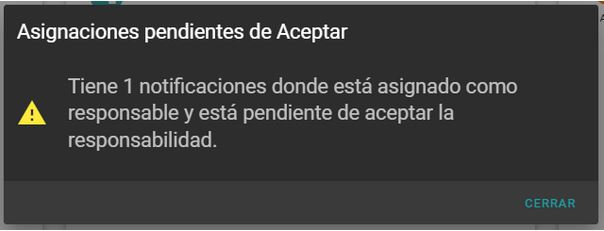
A notification email is sent to the designated operator. Additionally, when they log into the application, a pop-up window displays their pending assignment acceptances:
On the DASHBOARD screen, a specific column displays the notifications with pending responsibility assignments, allowing the operator to check whether they accept or reject the responsibility.
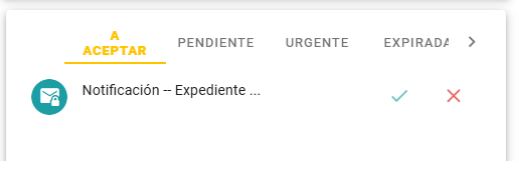
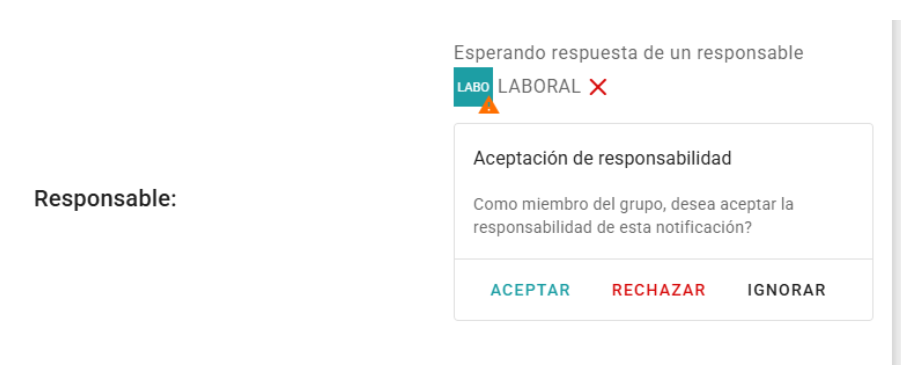
In the notification details, the operator is also shown the options to accept or reject responsibility:

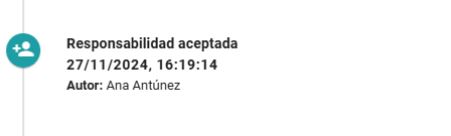
When the operator designated as responsible accepts the responsibility, the label and the triangle will disappear, and the event will be recorded in the notification history:
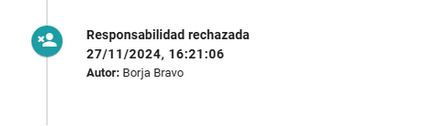
If the operator rejects the responsibility, it is recorded in the history, and an email is sent indicating this rejection.
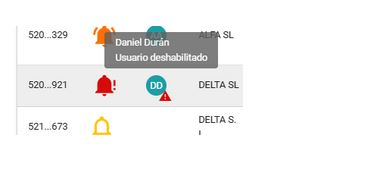
If an operator listed as responsible for a notification loses access to it—either because they have been disabled or because their settings have changed—they will appear in the notification list and details with a red triangle on their avatar. Hovering over their name will display a tooltip with the event details:
Assign a Group as Responsible
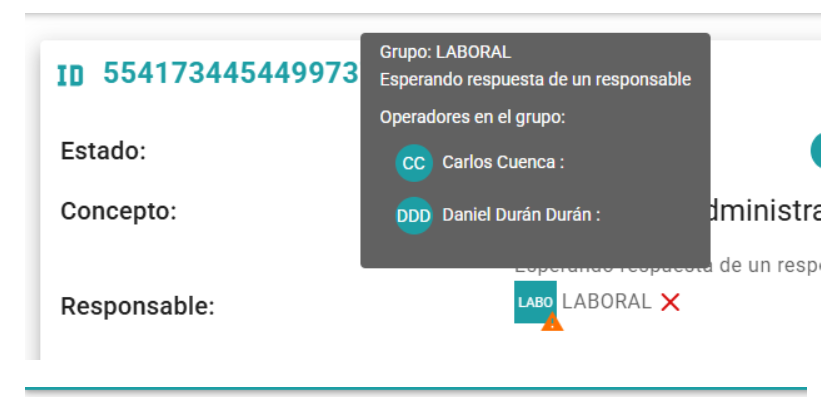
A Group can be selected if it includes the notification’s recipient company in its company list. Once a Group is assigned as responsible, it appears with the label “Awaiting response from a responsible person” and an orange triangle next to the avatar.Group avatars are square to distinguish them from operator avatars, which are round. The first 4 letters of the Group’s name are displayed inside the avatar.

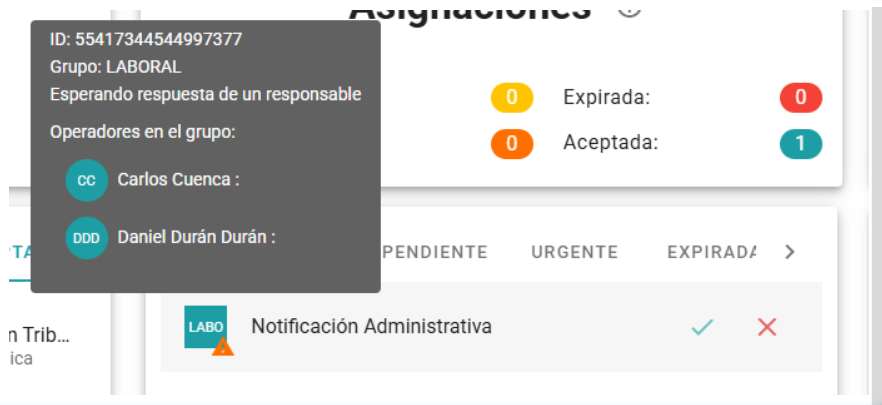
The notification remains pending until the Group operators with access to it either reject the responsibility or one of them accepts it. Hovering over the group avatar displays a tooltip showing the Group operators who have access to the notification and whether or not they have accepted responsibility.
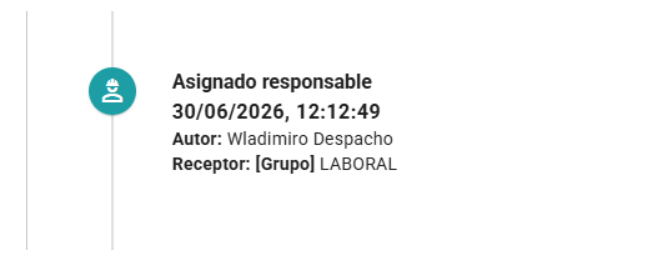
The assignment of a manager to a group is recorded in the notification history:
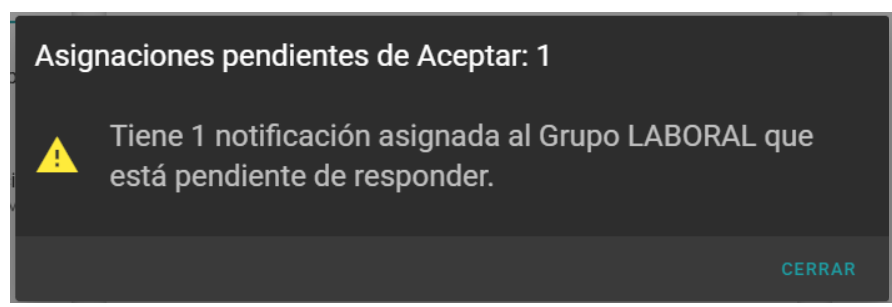
An email is sent to the Group operators who have access to the notification, informing them that the Group has been assigned as the manager. When they log into the application, they are shown a window with individual and group manager assignments for which acceptance of responsibility is pending:
On the DASHBOARD screen, the column for notifications pending acceptance shows the Group assignments that are waiting to be accepted:
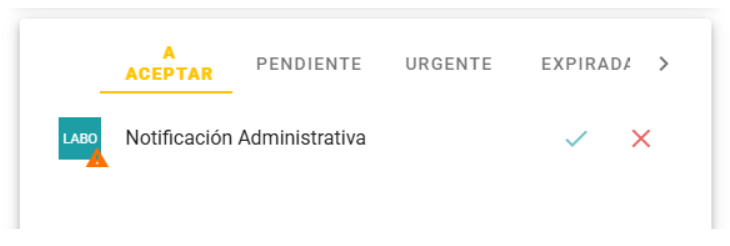
Hovering over the avatar displays the status of the assignment of responsibility by the operators:
On this screen and on the notification detail screen, you can accept or reject the responsibility.
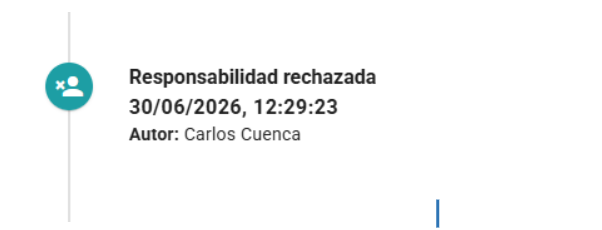
If the responsability is rejected, this will be reflected in your history.
And hovering over the group avatar will show that the operator has rejected liability:
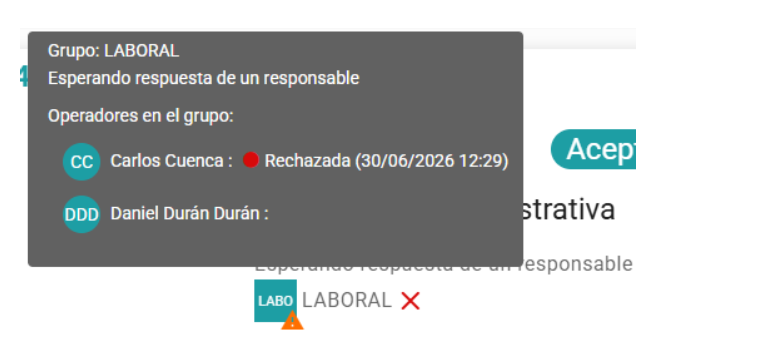
While there are operators who can still take responsibility, the avatar will keep showing the orange triangle to indicate that no operator has accepted responsibility yet.
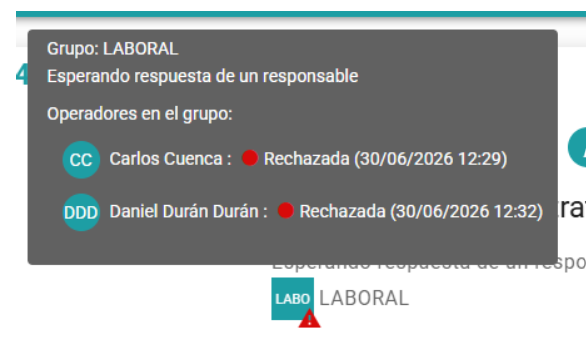
If all operators in the group reject liability, the avatar will display a red triangle, and hovering over it will show when each operator rejected liability:
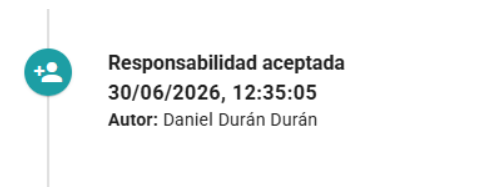
When an operator accepts liability, it is logged in the history:
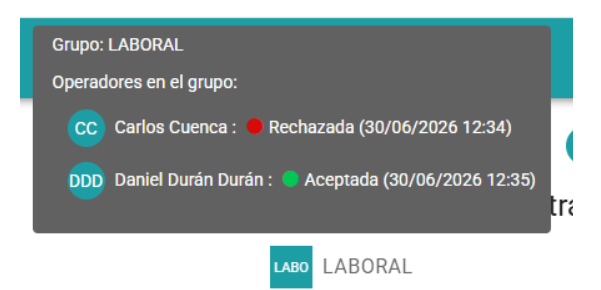
And the orange triangle disappears from the group avatar to indicate that the notification now has an owner. Hovering over the avatar shows the operator who accepted, along with those who rejected or took no action:
Every time an operator accepts or rejects liability for a group assignment, an email notification is sent to all group members who can view the alert to inform them.
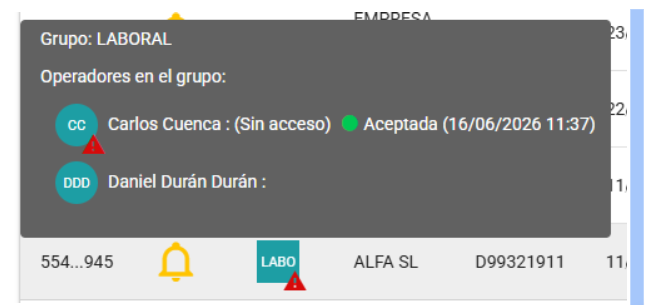
If an operator loses access to the notification because the company was removed from their profile or because they were disabled, the group assignment avatar updates to reflect the changes, and the hover details show these incidents:
Newsletter susbcribe
Receive all the news and updates about GoodOK in your email.