
Add Additional Documents
Additional documents can be added to an existing notification in the document viewer in the middle section of the notification detail page.
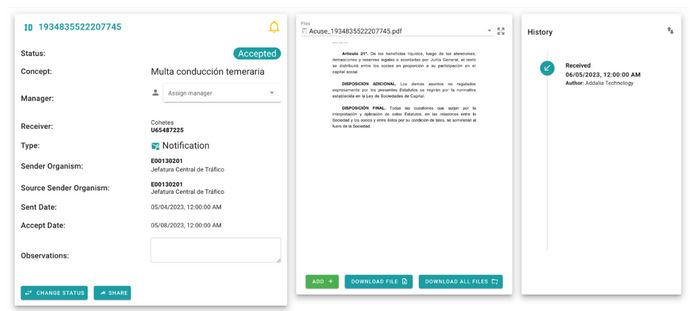
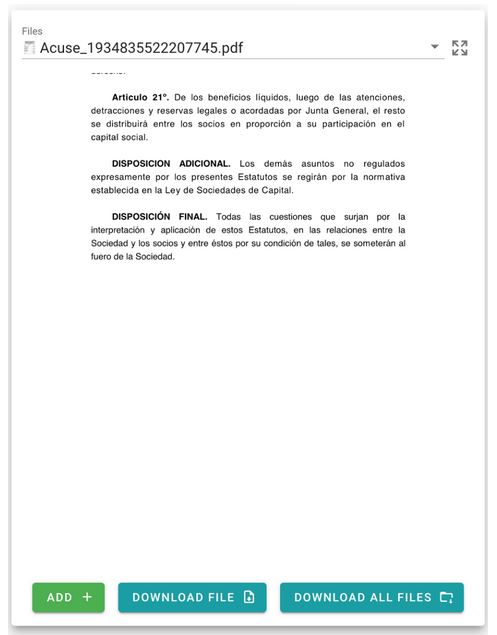
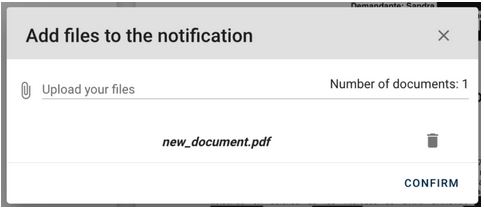
By clicking the add button, a menu will appear where you can upload one or multiple documents. Once uploaded, the selection can be cleared, as well as any previously added documents.
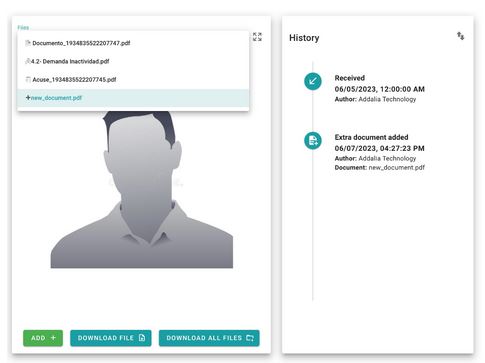
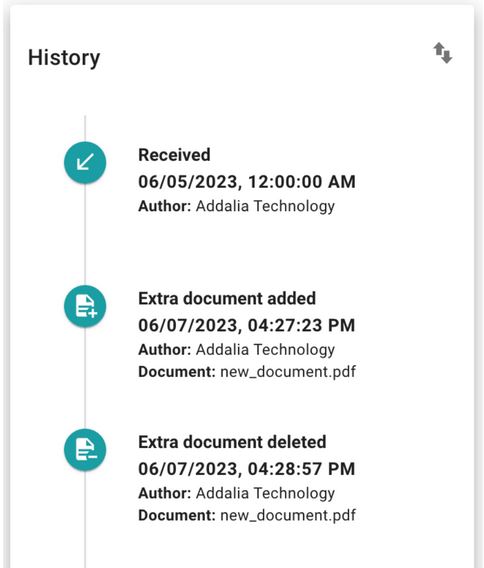
Once the document upload is confirmed, it can be seen that the documents have been successfully added in the same viewer where the documents associated with the notification are located (main document, annexes, and acknowledgments). A history entry will also be created with the information of the added document.
To delete the added document, in the previous menu, click on the trash can icon:
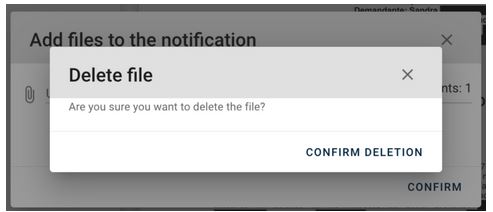
Again, a history entry will be created with the performed action.
Newsletter susbcribe
Receive all the news and updates about GoodOK in your email.