
Alerts
In this section, items with a scheduled alert will be displayed.
Alert Count
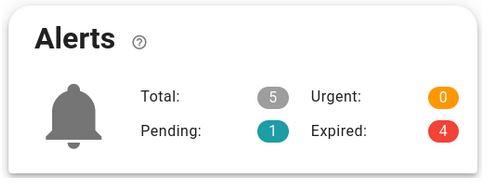
Alert statuses follow the following scheme:
- Pending. The alert is correctly configured for the future.
- Urgent. The alert is configured for the next 48 hours.
- Expired. The alert date has been exceeded.
Alert summary
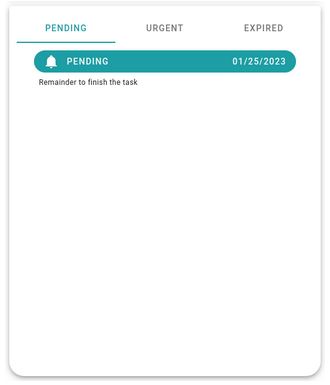
The bottom section shows a summary of each item. Alerts can also be filtered by status.
Clicking on any alert displays a detailed view of the item linked to the alert.
Information Alert
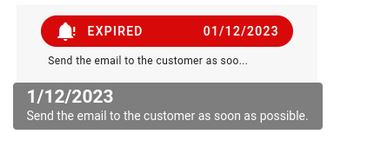
Alerts have an associated text that can be shortened. To view the full text, place the mouse over the alert.
Newsletter susbcribe
Receive all the news and updates about GoodOK in your email.