
Operators
In the operators menu, users with operator administration permissions can: create, modify and/or delete an operator.
In this menu you can see how many operators we have and the permissions and configuration they have.
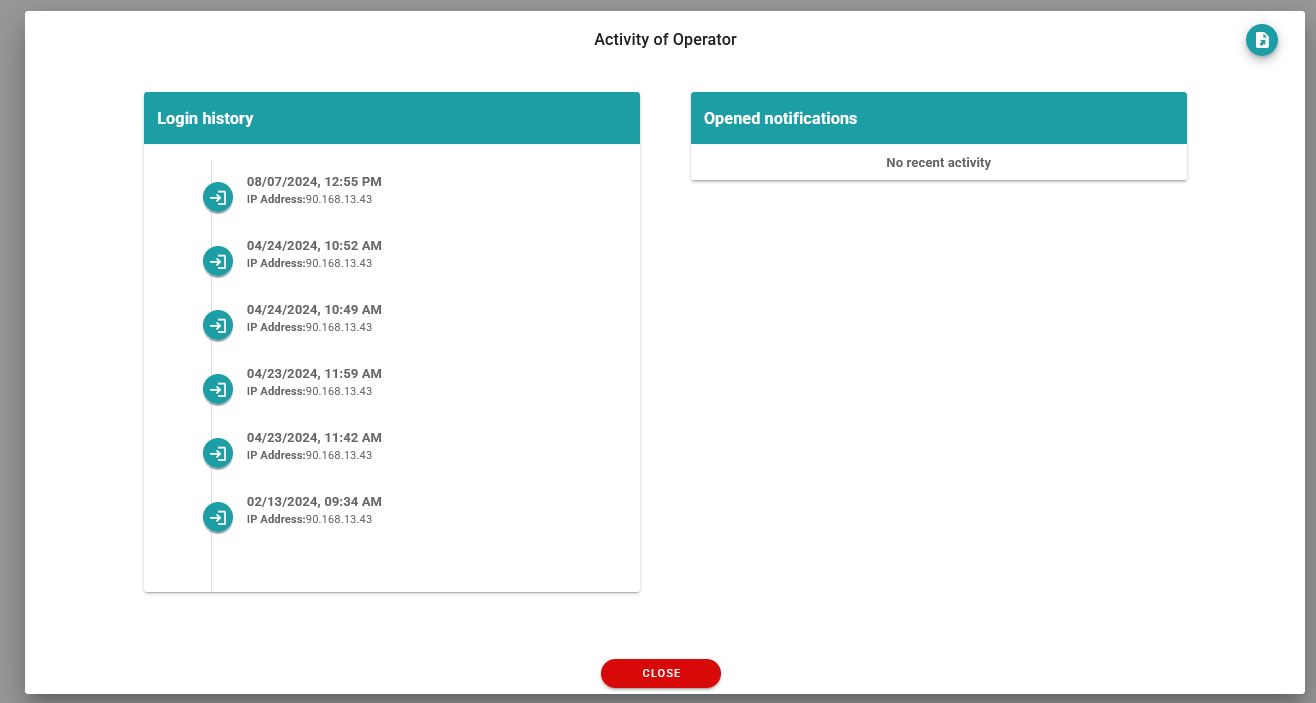
We can also see the activity history.
Operator information can be exported by clicking the first button.
You can search for operators through the user’s first name, last name or email.
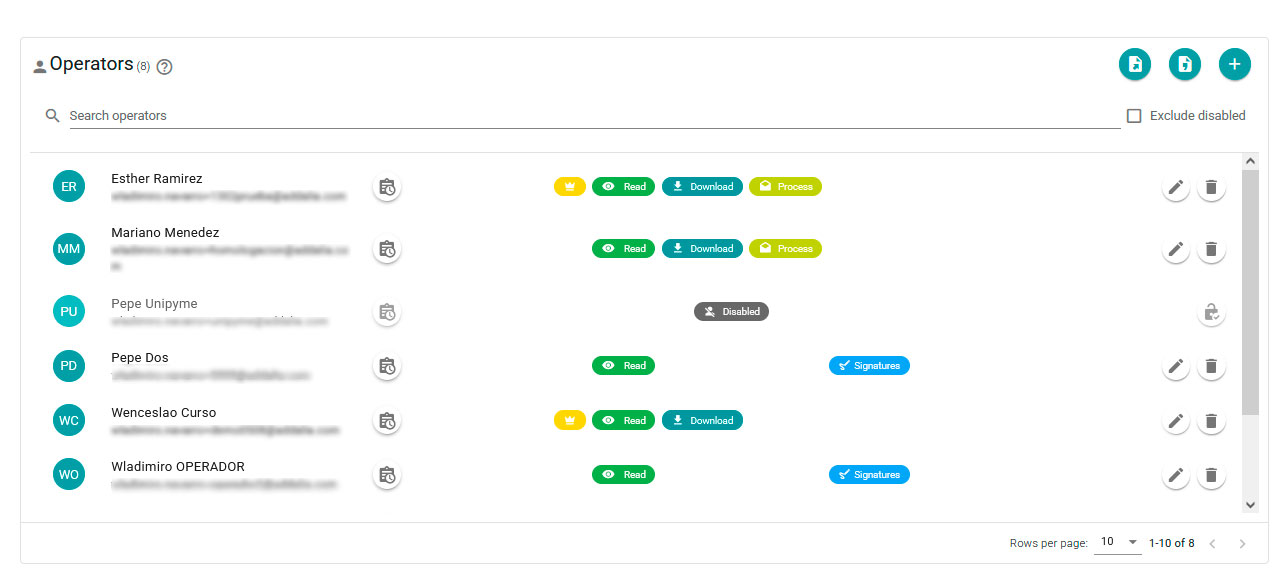
For any of the operators, you can check their activity by clicking on the icon to the right of their name and it shows us a window with the logins of said operator and the open notifications:
Newsletter susbcribe
Receive all the news and updates about GoodOK in your email.