
Disable/Enable Operators
To disable an operator, ‘click’ on the trash can icon located in the list of operators.
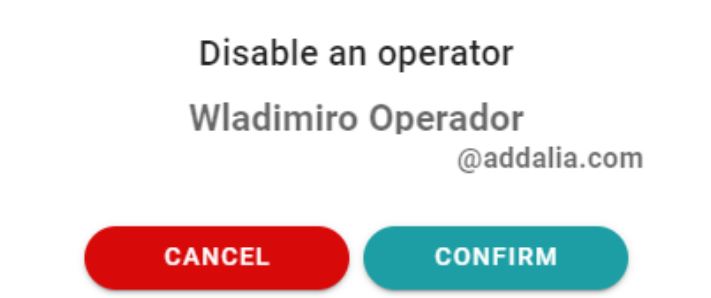
This action disables the user. It is not deleted by the operator but it does prohibit you from entering the application.
In the event that we want to re-enable the operator, we ‘click’ on the locker’s icon. The operator will be back in the same state and with the permissions prior to having been disabled:
Newsletter susbcribe
Receive all the news and updates about GoodOK in your email.