
Dashboard
The panel allows you to see a complete summary of: Notifications, Assignments, Alerts and Signatures.
The information is distributed in 3 subpanels, each with a top bar with subtotals of the information and a bottom bar with a summary list of the data. To simplify the information, only the latest data is shown here.
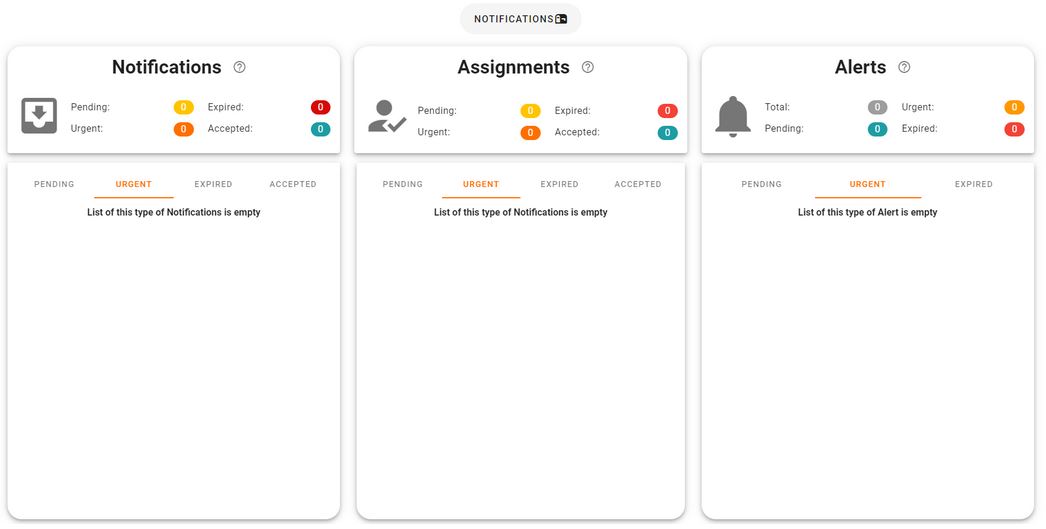
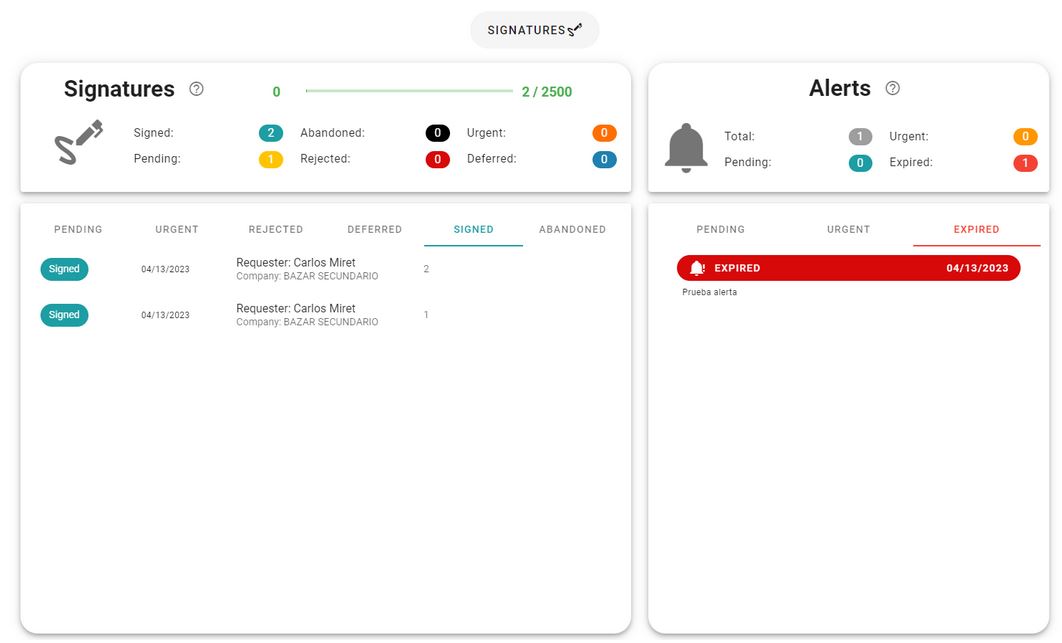
To go to the signatures panel, click the button above it, then the information about the signatures will be displayed.
The panel shows information about the signatures and the alerts related to them.
Newsletter susbcribe
Receive all the news and updates about GoodOK in your email.