
Option only available for Advisory Type Admin User
Add company batch
Advisory Type Admin User
To create several companies at the same time, you can use a file with a .csv extension containing the company information.
To upload the file you must click on the icon highlighted in the image.

The file must contain the following fields:
company: Name of the company.
tipoDocIdentidad: Type of company document (dni, cif, nie, nif-m).
numberDocIdentidad: Number of the company’s identity document.
email (Optional): Company email address.
Telephone (Optional): Company telephone number.
The menu shows how many companies are currently created, as well as the maximum number of companies that can be had given a plan.
Likewise, groups can be assigned to companies.
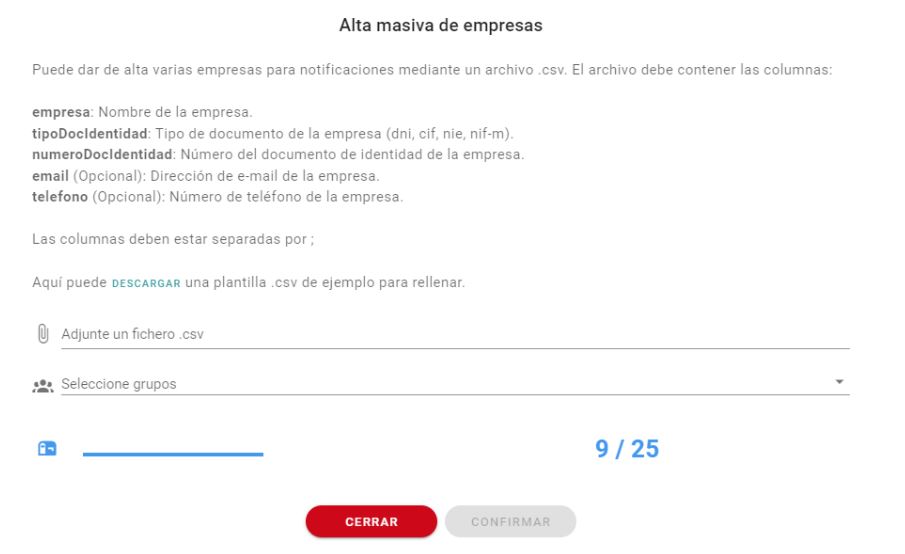
Columns must be separated by ;