
Modify Email Options
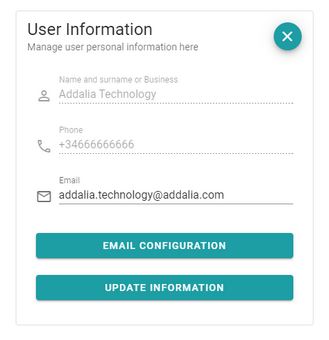
To change email settings, ‘click’ on ‘Emails Configuration’ button, in subsection User Information.
A window will open where we can enable/disable the different email options that you wish to receive, separated into notification emails and signature email.
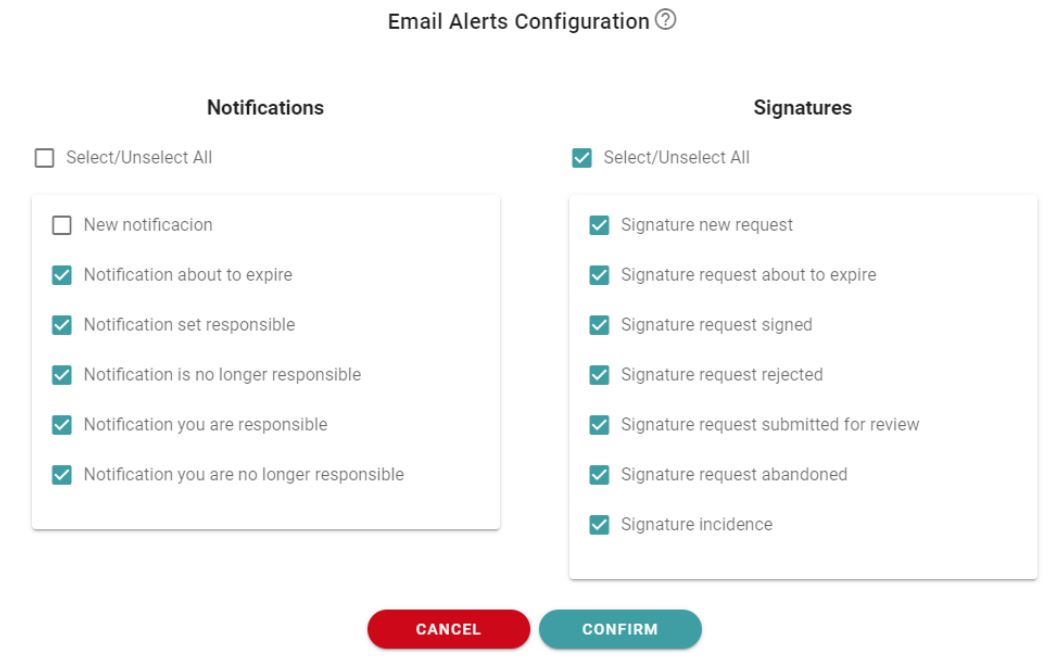
Not all email alerts can be deactivated as they are considered important (security alerts, certificate expiration notices, those related to verification codes for signatures, etc).
Newsletter susbcribe
Receive all the news and updates about GoodOK in your email.