
Update Task
Automated tasks can be edited from the list by clicking the highlighted button or by directly clicking on the row.
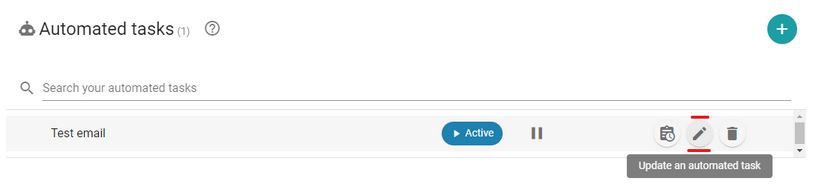
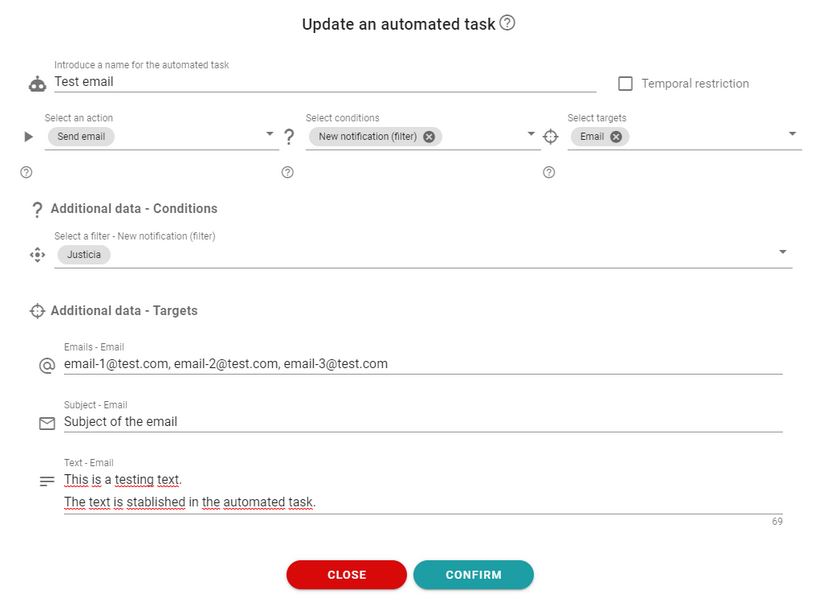
When the button is clicked, a dialog box will open with all the information of the selected automated task.
From here, actions, conditions, and objectives can be edited, including the additional data.
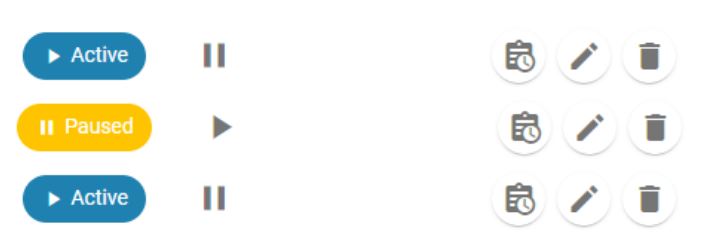
Automated tasks can be paused or activated from the list.
Newsletter susbcribe
Receive all the news and updates about GoodOK in your email.