
Assignments
This panel shows all communication and notification assignments made to the user.
Assignment Count
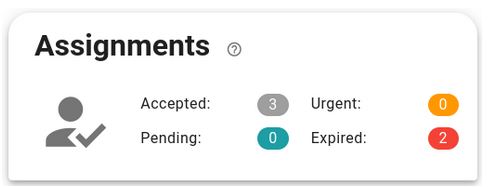
The top of the menu shows a status count for all notifications, which can have the following statuses:
- Pending. The notification has recently arrived in the mailbox.
- Urgent. The notification arrived in the mailbox more than 8 days ago and has not been accepted, the deadline for opening a notification is about to expire.
- Expired. The notification arrived in the mailbox more than 10 days ago and has not been accepted.
- Accepted. The notification has been opened.
Latest Assignments
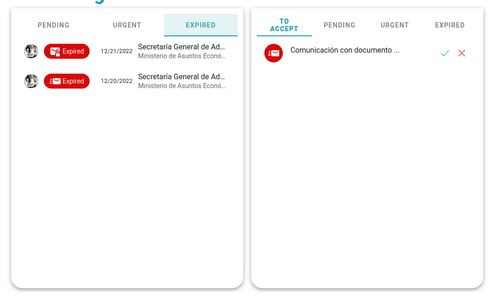
When an operator is assigned responsibility for a notification, they must accept or deny responsibility.
When the operator has a notification pending acceptance, an additional button will appear at the top of the menu allowing them to view the notifications that are pending acceptance.
Once accepted or rejected, the notification will disappear from this list.
Newsletter susbcribe
Receive all the news and updates about GoodOK in your email.