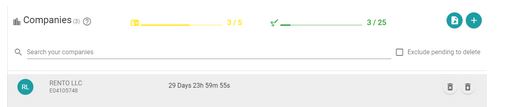
Delete company
To delete a company, click on the trash can icon.

A dialog will be dispayed asking the user to confirm the deletion.
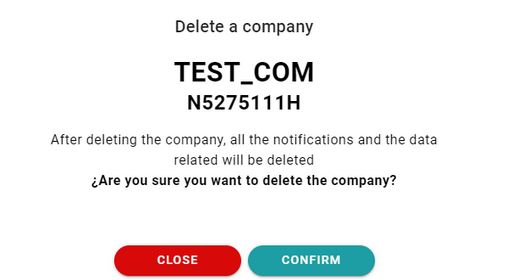
To prevent an accidental deletion, users will need to press confirm and then insert the identification number of the company. Once inserted, the company can be deleted by pressing again the button confirm.
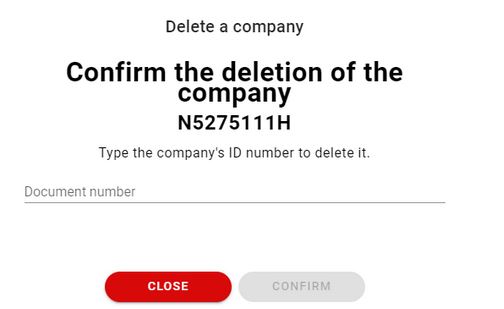
After pressing confirm, the company will be deleted in 30 days, so that it exists the possibility of recovering the data of the given company.

In those 30 days the company can be either, completely deleted or the deletion can be canceled.
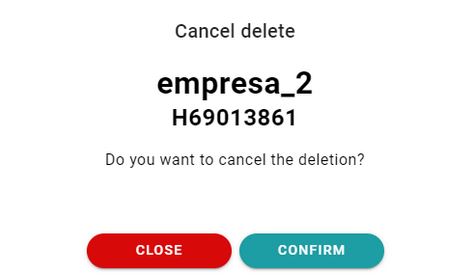
To cancel the deletion the highlighted button can be pressed.

Once it is pressed, a dialog will show up so that the action can be confirmed.
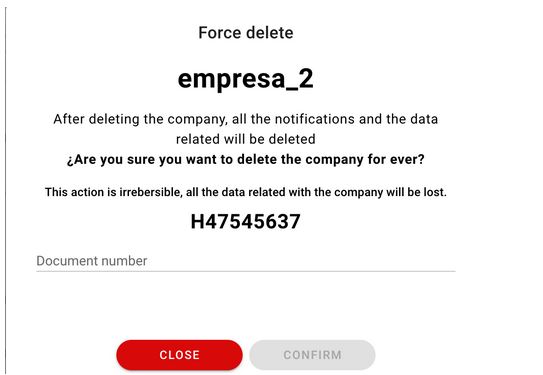
To delete inmediatly the company without having to wait 30 days, users can press the force delete button.

After pressing the button, the action must be confirmed by introducing the identification number of the company.
In the companies list the ones that are about to be deleted are hidden by default. To show them, the highlighted checkbox must be pressed.