
Conditions
Automated tasks are executed when the established conditions are met. Conditions are always accompanied by additional data that is necessary to perform a correct evaluation before executing the task.
The following are the available conditions along with the additional data to provide:
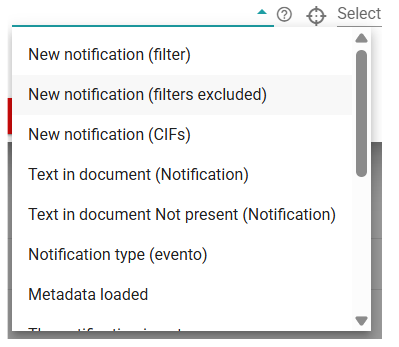
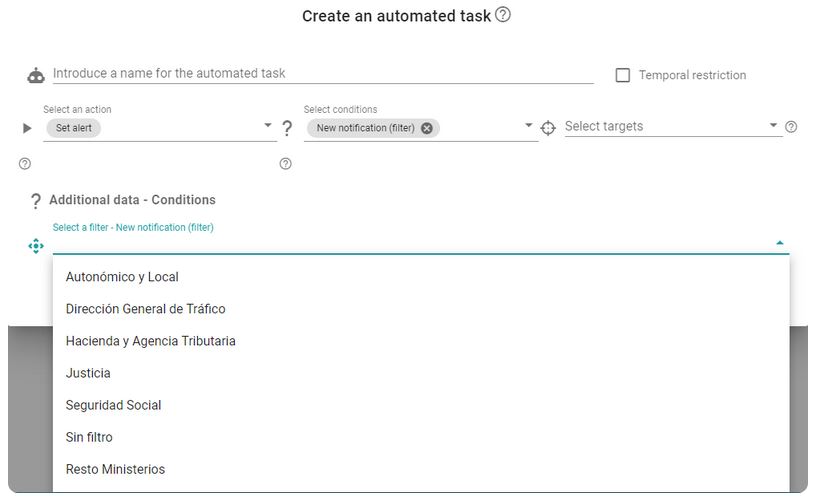
- New notification (filter): For a task to be executed, a new notification must arrive that is included in a filter. The additional data to provide along with this condition is the filter to which we want the received notification to belong.
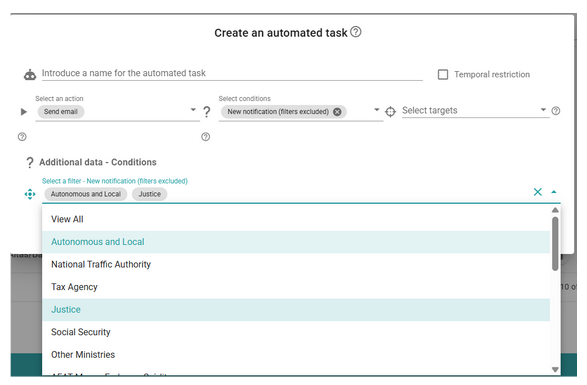
- New notification (excluded filters): For a task to be executed, a new notification must arrive that is NOT included in any of the filters. The additional information to be provided is the set of filters to which the notification must not belong.
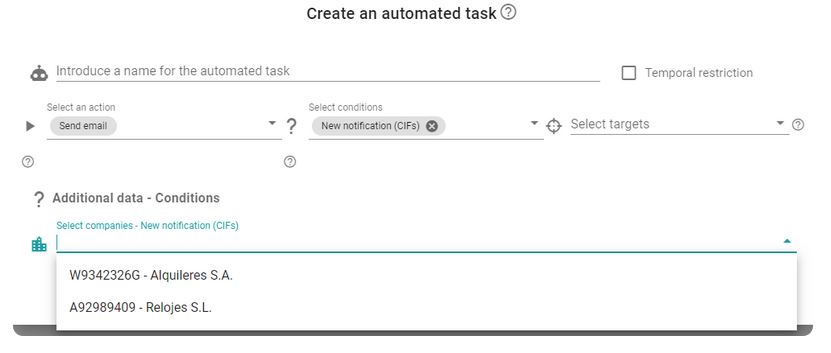
- New notification (CIFs): For a task to be executed, a new notification must arrive whose holder’s NIF matches one of those specified in the additional data. The additional information to be provided with this condition is the CIFs of the companies to which the notification must belong.
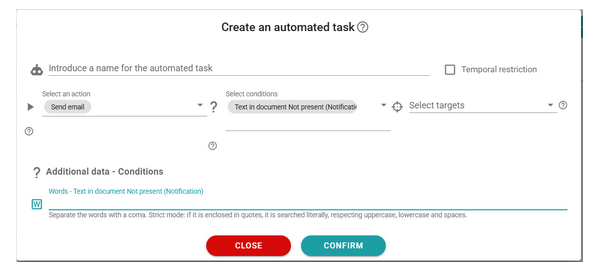
- Text in document (Notification): For a task to be executed, a new notification must arrive such that, when opened, the main document contains a specific text. The additional information to be provided is the words or sentences (comma-separated) to search for (the text is searched case-insensitively). The search can be forced to be literal—respecting uppercase, lowercase, and spaces—if the text is enclosed in quotation marks.
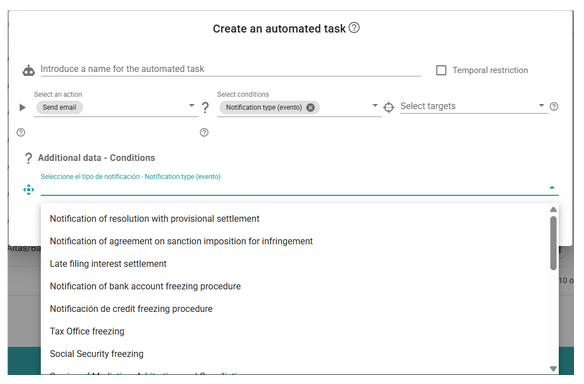
- Notification type (Event): For a task to be executed, the notification must correspond to one of the predefined types in GoodOk. The additional information to be provided is the notification types that the notification subject to the task must match.
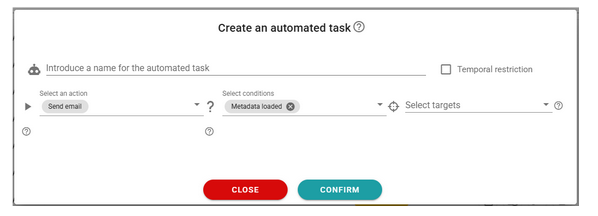
- Metadata loaded: The task will be executed if the notification’s metadata has been loaded. This may have been obtained from the subject field before opening it, or from the notification documents after it has been opened. This condition has no additional data.
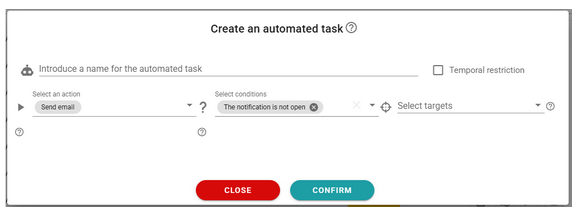
- Unopened notification: The task will be executed if the notification is in Pending status. This condition has no additional data.
- Opened notification (event): The task will be executed if the notification is in Accepted status and meets any of the filters specified in the additional data. The additional information to be provided with this condition is the set of filters that the notification must satisfy. If the View all filter is selected, the condition will apply to all notifications that are Accepted (opened).
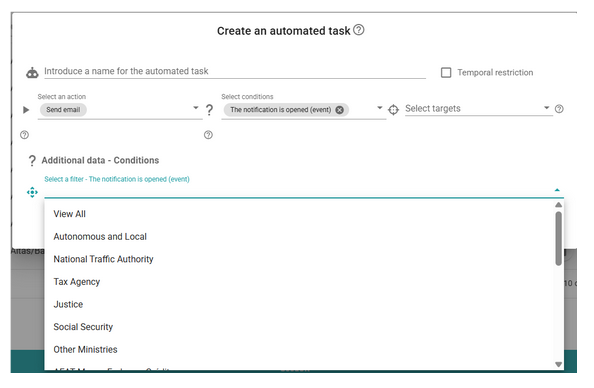
- Notification (filter): For the task to be executed, the notification must be included in one of the filters specified in the additional data. The additional information to be provided with this condition is the filter to which the received notification must belong.
NOTE: Do not confuse this with the New notification (filter) condition, which is only evaluated when the notification first enters the system. This condition is evaluated every time a change occurs in the notification (status, owner, opening, etc.).
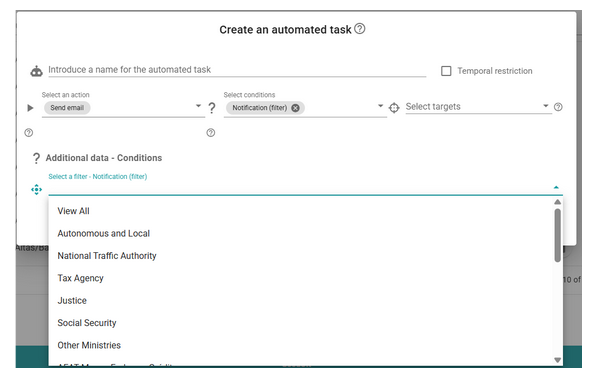
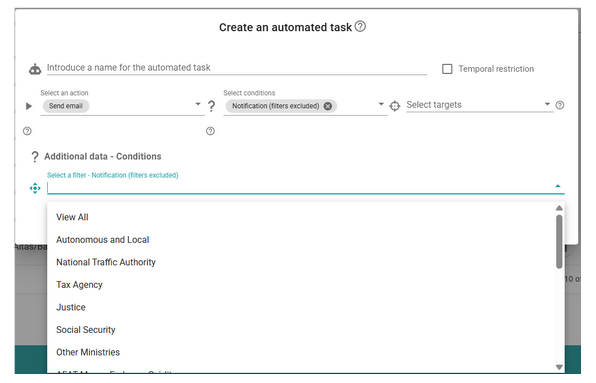
- Notification (excluded filters): For the task to be executed, the notification must NOT be included in any of the filters specified in the additional data. The additional information to be provided with this condition is the set of filters to which the received notification must not belong.
NOTE: Do not confuse this with the New notification (excluded filters) condition, which is only evaluated when the notification first enters the system. This condition is evaluated every time a change occurs in the notification (status, owner, opening, etc.).
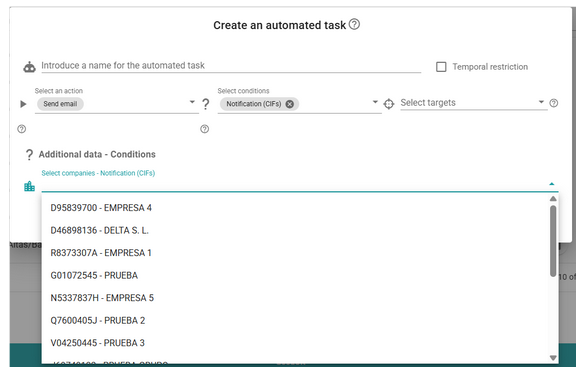
- Notification (CIFs): For the task to be executed, the holder’s NIF of the notification must be one of those specified in the additional data. The additional information to be provided with this condition is the CIFs of the companies that own the notification.
NOTE: Do not confuse this with the New notification (CIFs) condition, which is only evaluated when the notification first enters the system. This condition is evaluated every time a change occurs in the notification (status, owner, opening, etc.).
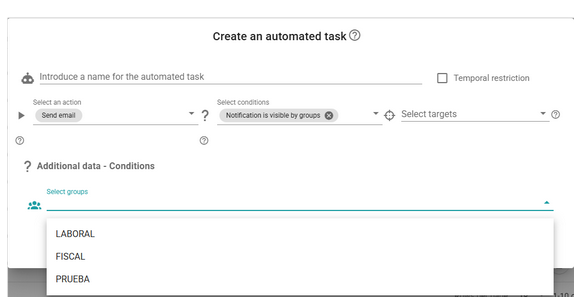
- Notification visible to groups: For the task to be executed, the notification must be visible to one of the groups specified in the additional data (the holder’s NIF must correspond to one of the group’s CIFs, and the notification must be included in one of the group’s filters). The additional information to be provided with this condition is the groups for which the notification must be visible.
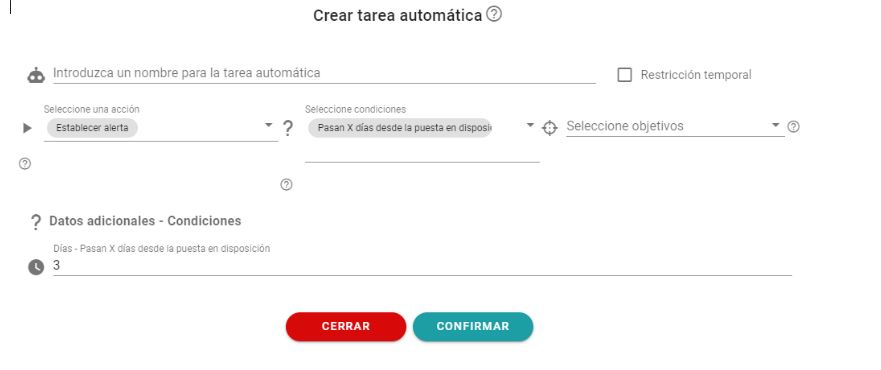
- X days since made available: For a task to be executed, a specified number of days must pass since the notification was made available. The additional information to be provided is the number of days that must elapse from the date the notification is made available until the task is executed.
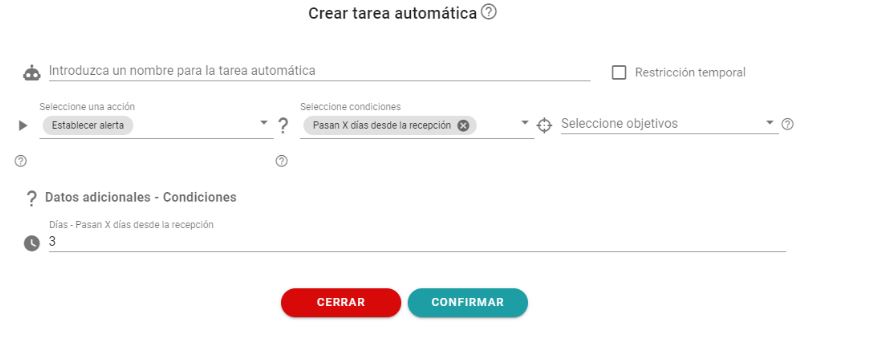
- X days since receipt: For a task to be executed, a specified number of days must pass since the notification was received. The additional information to be provided is the number of days that must elapse from the time the notification is received until the task is executed.
Newsletter susbcribe
Receive all the news and updates about GoodOK in your email.