
Non-visible Notifications
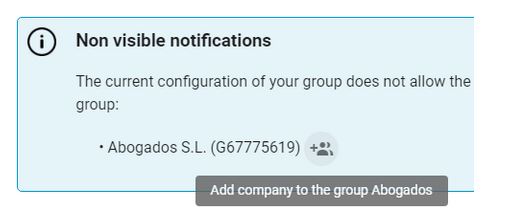
The configuration of a group can result in certain notifications not being visible, even though the group’s filters allow them to be seen. When this happens, administrators with the appropriate permissions will be able to see a message in the list of companies, indicating that there are notifications coming in, but they are not visible for a certain company.

Furthermore, from this information panel, administrators can add this company to the group by clicking the button next to the company.
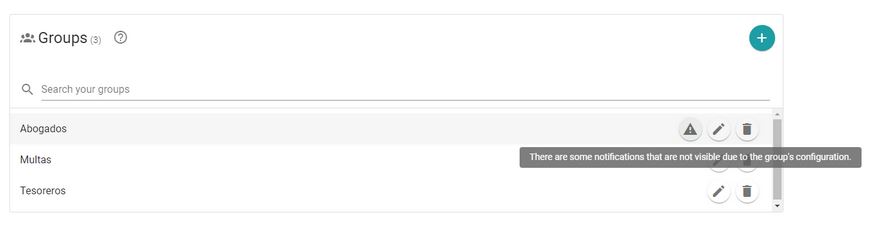
The main administrator can also see notifications about groups that have invisible notifications. In the list of groups, a new button with a warning icon will appear next to the edit and delete buttons. When you hover the mouse over this button, a message will be displayed informing you that the group has notifications that cannot be seen.
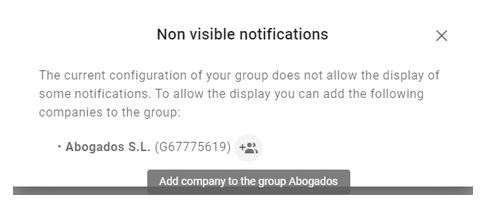
When you click the button, a dialog will open where you can see the companies that can be added to the group so that notifications are not missed. Next to each company, there is a button that will add the company to the group.
Newsletter susbcribe
Receive all the news and updates about GoodOK in your email.